Why Your Traffic Dropped Overnight: A Google Update Checklist
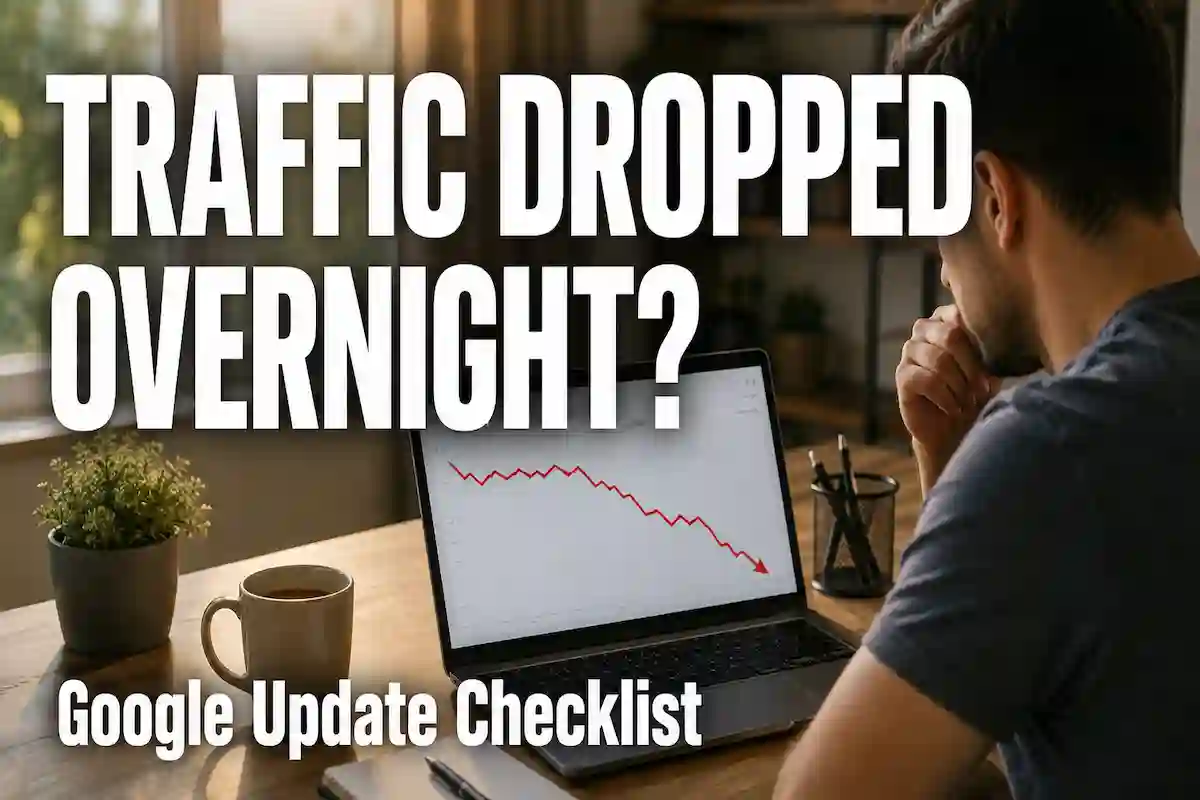
You decide to check Search Console at the end of a typical Tuesday, still holding your cup of coffee, and there it is: that very unpleasant drop on the graph of your clicks. You have a total of 800 visits yesterday and 300 today! Nothing happened on your part. You did not redesign your site, there is no plugin update, and you did not just delete pages or something like that. And still!
If you are one of those poor souls who are panicking, please calm yourself down. This kind of situation occurs to many site owners, so if it happened to you, it is just a matter of time. Panic and doing random things without any logical order or reasoning should make matters worse, not better. So, let’s figure this out one by one. In this article, we will discuss everything about the Google update traffic drop.
First: confirm it’s actually a Google update.
Rule out the boring reasons before you look for the Google update as the cause. If your traffic decreases, a change in behavior or seasonal factor could, in this case, be the culprit, as well as a bug in the tracking code, the site was down (due to a host error), or a competitor suddenly jumped your website for one specific keyword; such a situation may appear as if it is caused by a “Google Update”.
Check these reasons in this order:
Is it a drop that affects your complete website or only a few pages?
Was it on a date that aligns with a Google update already released?
Is Google Analytics also displaying the same drop, or is it only reflected in the Search Console?
If only Search Console shows the traffic decline and Google Analytics is unaffected, most likely the issue lies with tracking or indexing instead of ranking issues. Still, if both sources indicate the same loss and the time corresponds to Google’s official announcement of an update, you are witnessing a true “Google update”.
Search Status Dashboard by Google and the Search Central blog provide the official records about the new search features rolled out (with starting and ending dates). Be sure to see if the traffic decline overlaps with Google dates first before you get worried.
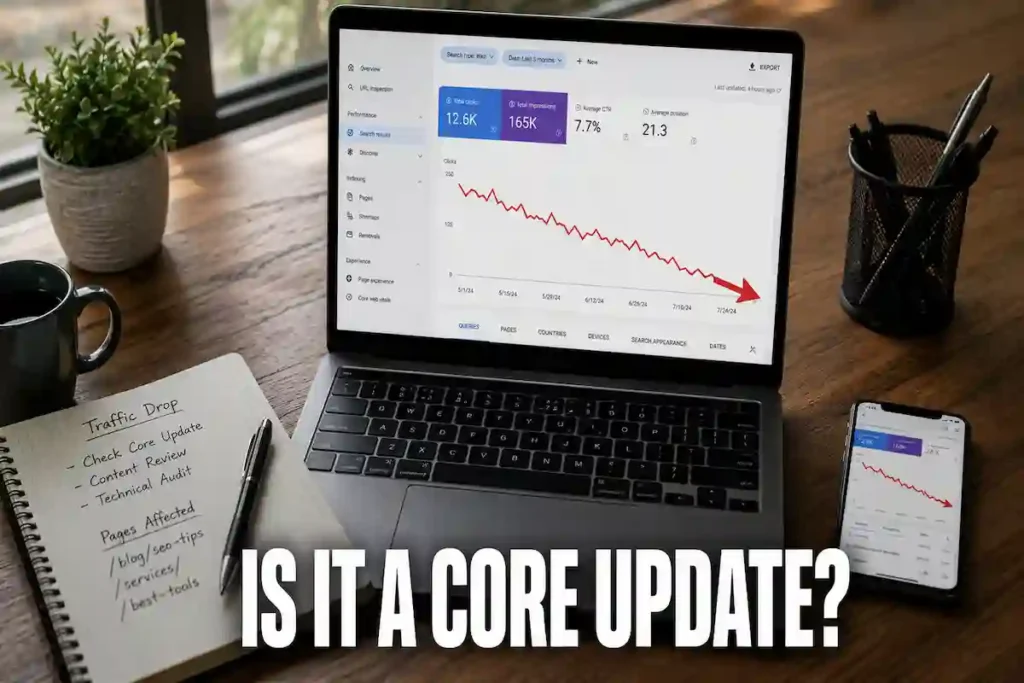
Core updates vs. spam updates vs. helpful content signals
Different updates might hit hard in different ways, and knowing what type you were hit by would be the starting point to figure out what you should do next.
Generally, a widespread core update is not something that you get for doing one bad thing. It is like Google readjusting its ways of how the three most important ranking signals for it – relevance, expertise, and trust – should be weighted across the entire Web. A lot of sites often end up going both up and down without having done or changed “something wrong”; it’s like the ranking guidelines that everyone stands on have moved a bit simultaneously.
Spam updates: However, focus on certain types of manipulations like cloaking, schemes using only link networks, content that is either scraped or auto-generated but presented so it looks like the original, and doorway pages. In case the search engines have penalized your site with a spam update, you generally can easily find the cause, and it might be worth asking yourselves whether any kind of shortcut was taken at the time of content creation.
Helpful content signals, which are now part of the core system (instead of a separate system running alongside), highlight articles that are showing genuine and first-hand experience with the topic alongside solid expertise, and they also hide content that is clearly written purely to be high in search results instead of really helping people. It is this type of update that will catch many sites by surprise, since the content isn’t outright technically incorrect – it’s just a bit shallow, lacks details, or, as the case is, the content is obvious to be written for search engines instead of people.
If you are wondering whether you were hit by the type of update we’re talking about, you can still read our detailed analysis of the Google core update recovery process if you wish. It covers things like the usual timelines for roll-outs, and the real vs. fake recovery patterns.
The checklist: work through this systematically
- Not only do you need to analyze your most losing keywords, but you should also pull up your most losing pages. Take the Search Console click metrics as a basis and compare the traffic data from 28 days before the drop and the data from 28 days after that; pinpoint the five or ten top losers as far as the URL is concerned. Due to this analysis, you will be able to recognize typical trends. The identification of problems at the page level instead of dealing with abstract percentages will reveal issues that are hiding behind the drop in click-throughs rather quickly.
- Go through those pages as a fresh-faced visitor. Don’t just glance, but actually read them. Pose yourself honest questions: is there anything on this page that others haven’t said in such words? Do you present a real case? Do you show a specific number? Are there any photos to verify that you’ve done the thing you’re writing about? If it turns out that any of your paragraphs could be a copycat of the one done by a person with no knowledge of the topic at all, then you’ve found your answer.
- At once, detect any AI-generated content pattern. A couple of AI-based content pieces will not affect the whole site. Yet, Google’s system will definitely pick it up if a huge portion of your contents adhere to the very same template structurally: the same beginning, similar conclusion phrases, and lists with bullet points filled with generic and no specific contents. A real example, a figure, a date, and a result should replace the rewrite.
- Take a real look at your E-E-A-T signals. Is someone listed as the author together with the bio and their educational background? Do you have a genuine About page? Can your references be checked if you make a statement that is backed up by a source of reliability? We see Google tends to put a premium on Expertise, Authoritativeness, and Trust, so thin, anonymous content will likely fail here even if the writing is good.
- Go over your backlink profile and look for anything shady. Link-building tactics from the old times – paid links, mutual links, and low-quality directories, etc. – can cause problems during spam updates without being detected. Get your backlink report, and if something is clearly bought or spammy, disavow it.
- Verify your fundamental technical points that you might have overlooked earlier. If you have broken canonical tags, you get noindexed unintentionally. In addition, if your website is too slow on mobile or the content is duplicated among the URLs with parameters, then these problems may aggravate the fall in ranking, so making it appear worse than would be the case with just the update. Do not just rely on assumptions; do the crawl.
- Make a list of competitors who are still doing great. Find out 1-2-3 competitors ranking for the same keywords as you were before the update, except that they continued doing the same traffic-wise. What makes them so special that they are beating you? Is it that they go into more detail, provide a better structure, and do you need case studies rather than merely advising? Usually, such comparisons are more informative than the tools are in these cases.
What NOT to do | Google Update Traffic Drop
It is advisable not to panic/delete pages in the same week the update comes, and rather allow the update to roll out completely first because it can take one to four weeks for the completion of the rollout. Then again, if you make a rash change during the rollout period which you later regret, then it becomes hard to see how good/ how bad that change was because it was already affected by another factor.
You also don’t need to run after every SEO forum conspiracy or theory. There will never be enough confirmation as to what actually worked in the update – so you may as well go with the “how I fixed my ranking by changing my font size/line height ratio” posts – which in 90%+ are complete BS. Concentrate first on your content quality and what you’re truly offering for value to the users of your website. That is the main reason that has the strongest correlation with the sites’ rankings recovering all across the board after the update (the algorithm change), of course.
Don’t be negligent, either, and assume that it will take care of itself. A few times this happens, and in general it’s better if you don’t do too many things unless that’s the problem you’re facing.
Recovery takes patience, not tricks.
No one is going to like hearing this part of the news: there’s no fast fix. If a core update actually reassessed what’s good about your content, getting back up again calls for bettering the whole content – making it deep, adding good examples, and real expertise – followed by waiting patiently for the next update or a complete crawl-and-recrawl cycle so Google can reassess.
Those who bounce back are the ones who saw the drop as a reason to upgrade themselves completely, not to use some magic trick on the problem and pretend there was nothing wrong. Get your hands dirty – rewrite the thin pages, give real proofs of being a pro in the field, sort out other website issues.
E-E-A-T isn’t something that you do just once for a site to be Google-friendly, and then you are done with it. It is one of the signals that Google keeps checking from time to time, and you can never fully know how much E-E-A-T a particular site is scoring by the current Google algorithm. For more about how E-E-A-T is a site-wide content signal for a business website, we go into detail in our article about the Google helpful content update. There we also describe which types of content are more likely to raise warning flags for search engines.
FAQs
How long does it take a Google update to get a site back?
A recovery period could take several weeks to several months, as well, if not more than that, if you make a lot of changes to your website and Google recrawls your website and checks it again.
Can one really bad page affect my site rankings?
Unless there is a major shift across a lot of pages, content too shallow, structures repeated too many times, or low signals on expertise, the negative impact on Google’s site evaluation is not limited to a single page.
After a traffic dip, do I have to disavow my links?
Just in case you detect some really shady or bought links in your backlink profile, disavow them. Though it is also highly possible that disavowing links that are legitimate will do more harm than good, so carefully examine anything you submit.
Are fluctuations in the traffic of the site without the introduction of a new update the usual event?
It is definitely seasonality, testing of the algorithms, and competitors’ changes, which are among the causes of daily fluctuations. These are not really a cause for concern unless the decline is sudden and prolonged and coincides with the date of an official Google update.